
Effortless results
Create, schedule, and publish content in minutes — no specialist team required.

Connect with your audience in a dynamic, engaging way with one calm workspace for creating, scheduling, and managing screen content.
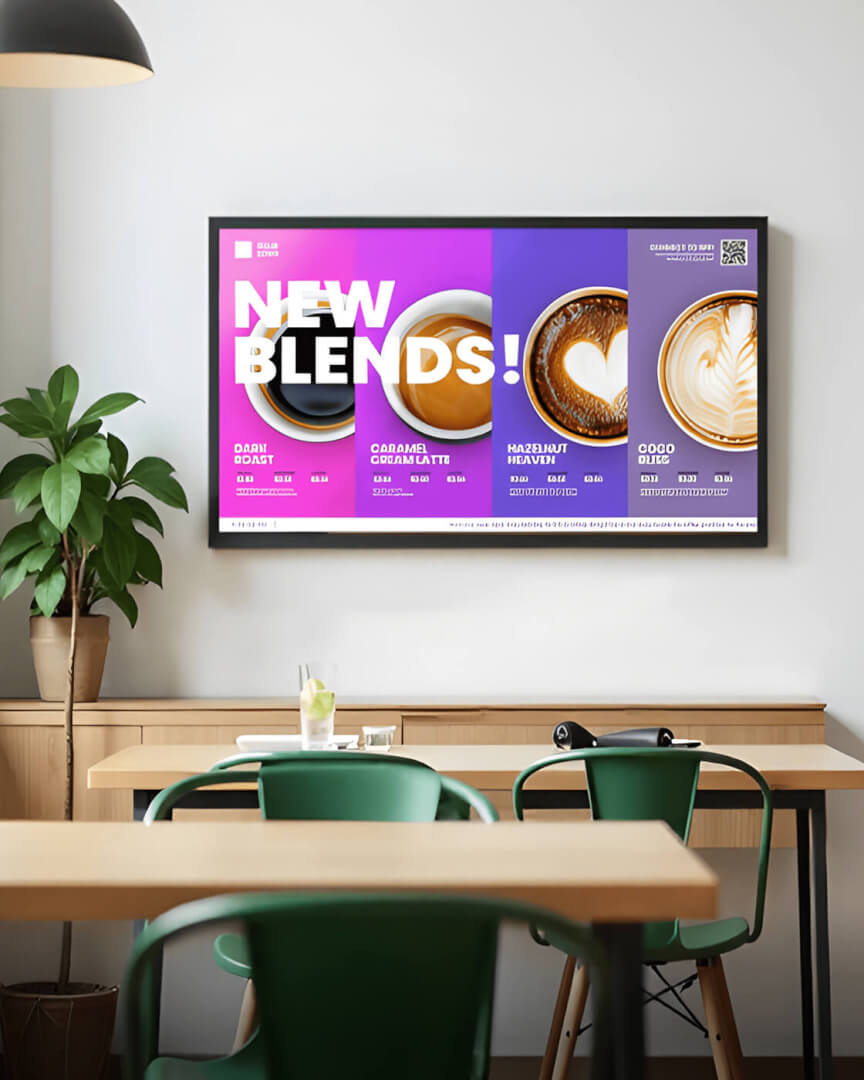
A flexible signage system that gets out of the way, so your message can do the work.
Sign up to Free NowCreate, schedule, and publish content in minutes — no specialist team required.

Pilosign is free. Sign up and bring your first screen to life today.

Built for busy locations with secure access, offline playback, and help when you need it.
Plug in a player, name your screen, and bring every location into one tidy view.
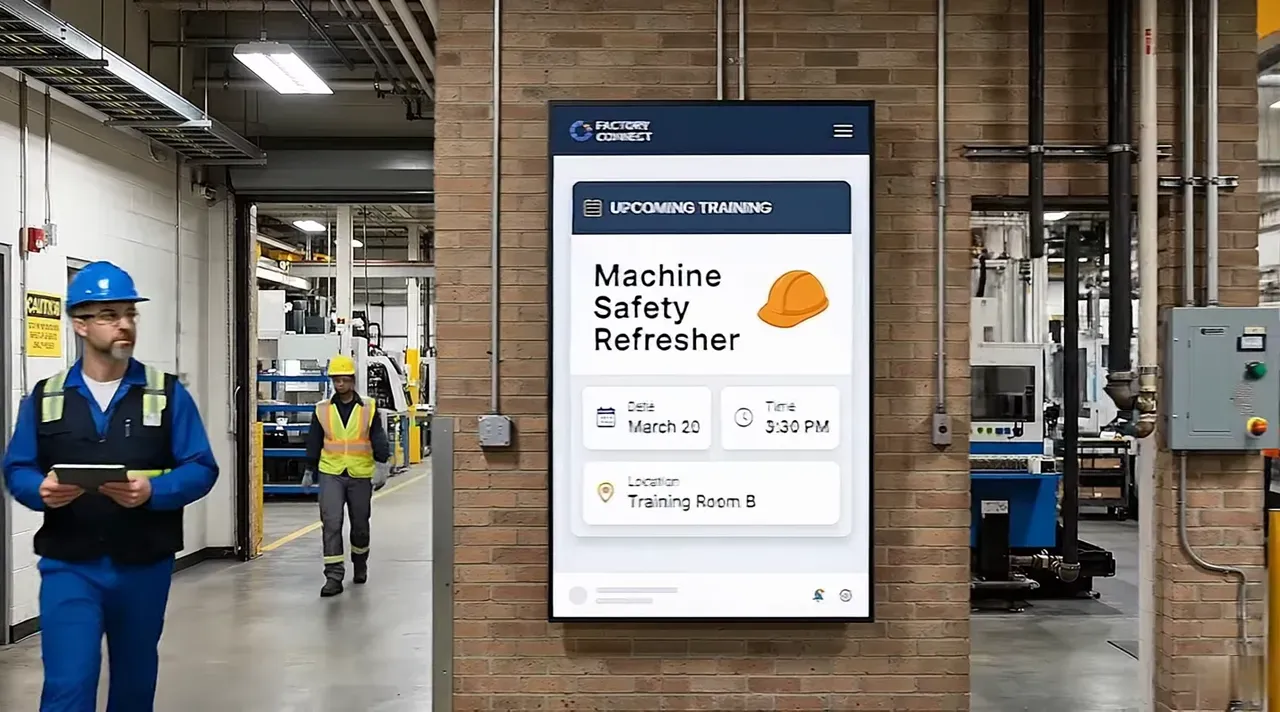
Keep teams aligned with live updates, KPIs, and safety messaging in every facility.
Connect your tools, manage your screens, and build experiences that make people look up.
Mix weather, news, dashboards and other live content into your playlists.
Create, organize, and publish content remotely across every location.
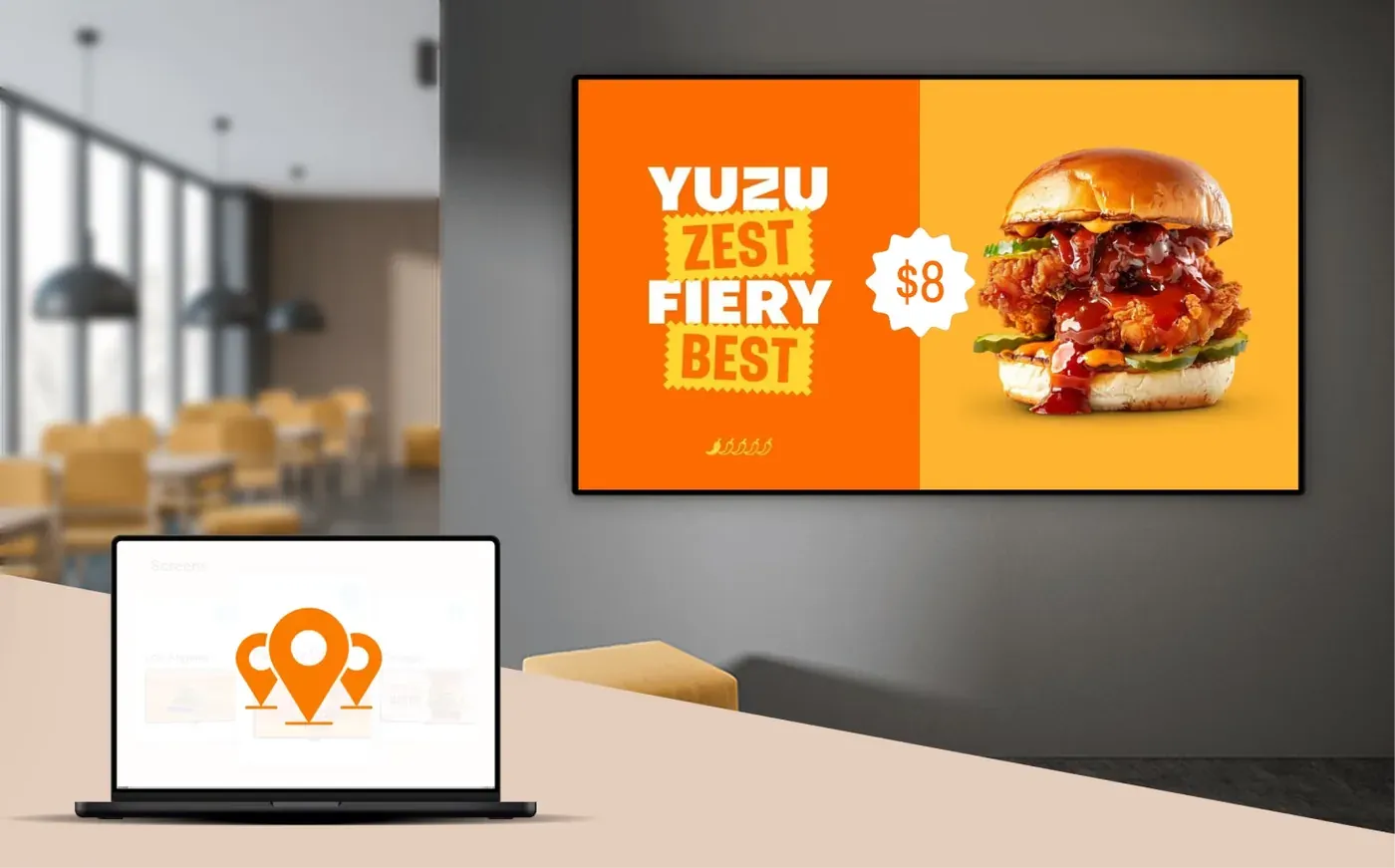
Turn displays into menus, kiosks, and touch experiences that invite people in.
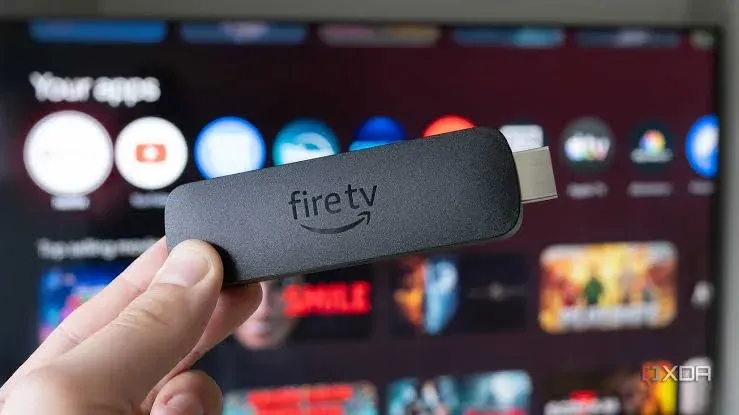
Run your network on a dedicated player, Android TV, or devices you already own.
Practical inspiration, product ideas, and digital signage tips for teams that want every screen to work harder.

Plan waiting room information screens that inform and reassure: patient-friendly content ideas, readability, pacing, privacy rules and scheduling.
Read more: Waiting Room Information Screens: Patient-Friendly Content
How to use AI for digital signage content: briefs, brand rules, image and video variants, human approval, scheduling and the mistakes to avoid on screens.
Read more: AI Digital Signage Content: From Brief to On-Brand Images and Video
A buyer's checklist for choosing the best digital signage software for schools: budget, hardware, scheduling, campus-wide control, safety and support.
Read more: Best Digital Signage Software for Schools: A Buyer's ChecklistThe platform, the players and the jobs teams use their screens for.
The platform: create, schedule and manage content on every screen.
Connect a TV and publish your first screen for free.
Players and TVs that run Pilosign, and how to pair them.
Menus, dayparts and local prices updated from one place.
Room status, schedules and welcome screens for offices.
Calm, patient-friendly information screens.
A few of the questions teams ask when they are bringing screens into the room.
Digital signage software is a cloud workspace for creating, scheduling, and updating content across one or many screens from a central place.
A screen, a media player, and an internet connection work together. You publish from the workspace; the player handles playback locally.
Teams in retail, restaurants, offices, education, healthcare, manufacturing, transportation, and hospitality all use it to share timely information.
Pilosign is free to use. Sign up, connect your screens and start publishing content today.
Yes. Multi-location permissions and partner workflows make it possible to manage separate screen networks from one operational view.
Bring your first screen to life in a few focused minutes.