Dedicated players
Purpose-built media players for screens that run all day.
Install the Pilosign app on a dedicated player, Android TV or Amazon Fire TV, pair it with a code and manage it remotely from your dashboard.
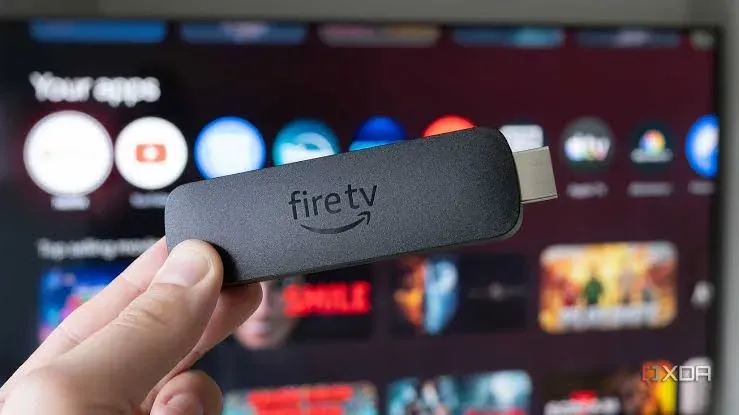
A digital signage player is the device that sits behind a screen: it downloads the content you schedule in the CMS and plays it on the display.
It can be a small dedicated media player, a streaming stick, or a smart TV that runs the player app directly.
Purpose-built media players for screens that run all day.
Install the Pilosign app on Android TV displays and boxes.
Plug a Fire TV stick into any HDMI screen and install the app.
Install Pilosign on the player or TV and open it.
Type the registration code shown on screen into your dashboard.
Add the screen to a group and schedule a playlist — it starts playing.
Quick answers to the questions teams ask before they put Pilosign on their screens.
A screen, a media player and an internet connection. Pilosign runs on dedicated players, Android TV, Amazon Fire TV and many devices you may already own.
Usually yes: each screen needs a player or a smart TV that runs the app, so it can play its own schedule.
Yes. Every screen appears in one dashboard, so you can group screens by location and update one screen, a group or the whole network at once.
Connect a screen, enter the code and publish your first playlist.
Bring your first screen to life in a few focused minutes.