Building directories
Tenants, departments and floors at the entrance.

Put directories, directions and schedules on screens at entrances and junctions, and update them the moment something changes.
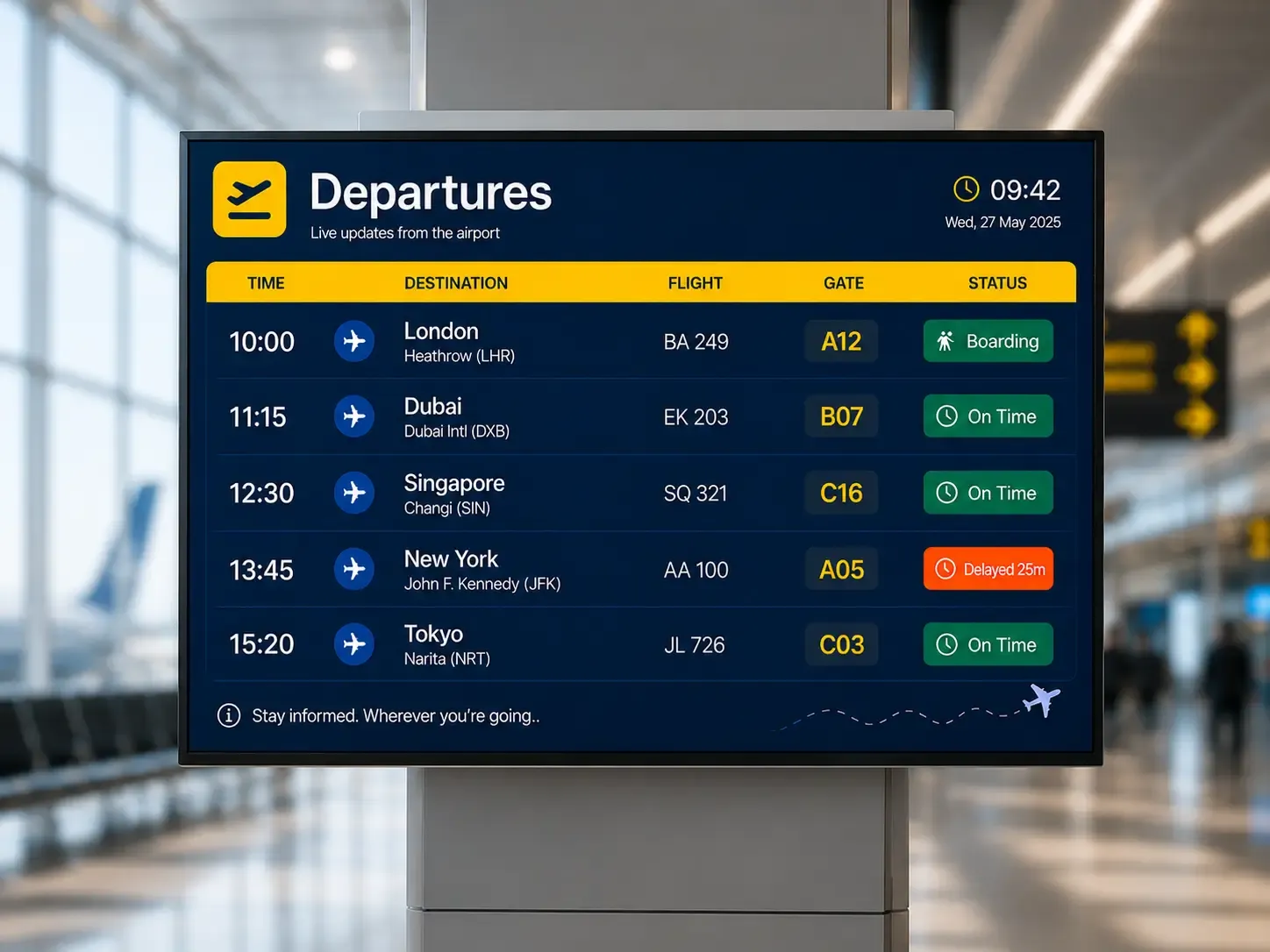
Digital wayfinding uses screens to help visitors navigate a building or site: directories, maps, directions and live information such as schedules or room changes.
Unlike printed signs, digital wayfinding can change with events, closures and time of day.
Tenants, departments and floors at the entrance.
Point guests to today’s rooms and sessions.
Departures, timetables and service updates.
Reroute people when an area is unavailable.
Quick answers to the questions teams ask before they put Pilosign on their screens.
A screen, a media player and an internet connection. Pilosign runs on dedicated players, Android TV, Amazon Fire TV and many devices you may already own.
Yes. Every screen appears in one dashboard, so you can group screens by location and update one screen, a group or the whole network at once.
Pilosign is free to use. Sign up, connect your screens and start publishing content today.
Connect a screen and publish your first directory.
Bring your first screen to life in a few focused minutes.