AI Menu Video Templates for Restaurants and QSR Campaigns
How restaurants use AI to turn menu items into short screen videos: briefs, brand rules, variants, approvals and scheduling on digital menu boards.
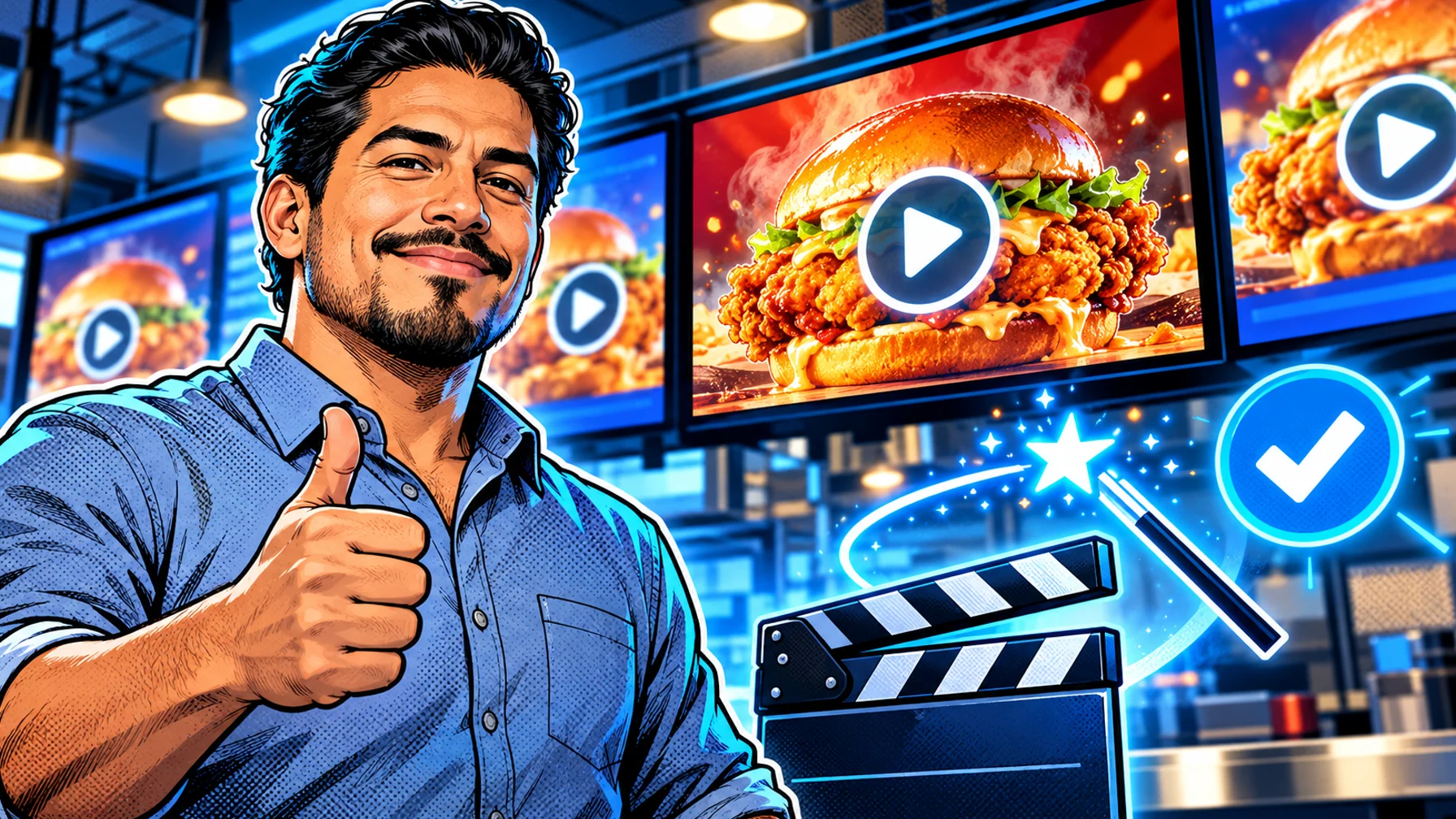
AI menu video templates turn a product photo and a short brief ("new spicy chicken sandwich, lunch offer, ends Sunday") into a few seconds of motion that is ready for a menu screen. For restaurants and QSR brands, the value is not novelty but speed and consistency: more campaign variants, on brand, without waiting for an agency edit. This guide explains how the workflow works and the rules that keep AI content usable on real menu boards.
Menu videos are one part of a wider menu board setup. For the full picture of screens, layouts and dayparts, read the complete guide to digital menu boards and restaurant signage.
Why short video works on menu boards
Motion catches the eye from across a counter or a drive-thru lane. A short loop of a hero item, with the price and offer kept clear and readable, can draw attention to the products you most want to sell, while the rest of the board stays static and easy to read.
The key word is balance. A board where everything moves is hard to read, and customers in a queue need to find prices quickly. Most restaurants get the best result with one moving element per screen, or one dedicated promotion screen next to static menu panels. Motion should point to the item you want to sell, not compete with the menu.
The workflow: from brief to screen
1. Brief. Product, offer, dates, locations and the screens it is for. 2. Brand rules. Logo, colours, fonts, tone, and what the AI must never change (prices, legal copy). 3. Variants. Sizes for each screen and versions for each daypart or location. 4. Review and approval. A person checks every variant before it is scheduled. 5. Scheduling. The video plays only during the offer, on the right screens, and expires on its own.
Each step has a reason. The brief keeps the request specific, so the output is about one product and one offer instead of a generic food clip. Brand rules make every variant look like it belongs to the same brand. Variants matter because a landscape menu board, a portrait window screen and a drive-thru board need different framing. Review is where a person catches anything wrong before customers see it. Scheduling makes sure the video only runs while the offer is valid.
Writing a good brief
Product. Name the item and attach a real photo of it, as it is served in your stores. Offer. What is the promotion, and is there a price or a time limit? Audience and daypart. Breakfast commuters, lunch crowd or late-night guests. Screens. Which boards, in which orientation and size. Dates. Start and end, so the content can expire. Must-haves. Logo placement, colours, any wording that must appear exactly as written.
A clear brief is the difference between usable output and endless retries. If the brief is vague, the generated motion often drifts away from what the product really looks like, which is a problem for food: customers expect the item they order to match the screen.
Rules that keep AI menu videos usable
Keep prices and legal text out of the generated layer. Add them as editable text on top, so they are always correct. Short loops: a few seconds is enough. Readable at distance: large product, simple background, no clutter. Approve everything: AI speeds up production but should never publish without review.
Two more rules are worth adding. Stay true to the product. The video should show the item as it is really served, not a fantasy version. Respect allergen and nutrition information. If a promotion needs that information, place it in an editable layer that your team controls, never in the generated motion.
Template ideas
Hero product reveal for a new item. Steam and pour loops for hot drinks. Combo build that assembles a meal deal. Countdown for an offer that ends soon (with the date as editable text). Daypart switch that introduces the breakfast or late-night menu.
More ideas that work well on screens: Ingredient spotlight that highlights one fresh ingredient. Size comparison for a new larger portion. Seasonal mood that changes the background for a holiday or a summer menu. Local hero that features an item only some stores carry. Each of these can be a reusable template: the motion stays the same, and only the product, the offer and the dates change.
Approval and control
AI makes it easy to create many variants, which also makes it easy to publish something that should not go live. Decide who approves what. A common setup is that the marketing team approves the template and the first variant of a campaign, and store-level variants follow the same rules. Keep a record of what was approved and when, so you can answer questions later. For a broader look at AI in screen content, read AI digital signage content: from brief to on-brand images and video.
Putting it on screen
Once approved, schedule the video into your digital menu board playlist by daypart and location. See more ideas on the restaurant digital signage page.
With Pilosign you can upload your own images and video, start from templates and schedule content by time, day and location, so a lunch promotion plays only at lunch and only in the stores that carry the item. Screens are managed from one dashboard and updated remotely, so a campaign reaches every location at once.
Common mistakes to avoid
Too much text in the video. Customers read a menu video for a second or two. Keep the message to the product and one short line, and leave details to the static menu. Prices baked into the motion. If a price changes, you would have to regenerate every variant. Keep prices editable. Unrealistic food. A burger twice the size of the one served creates disappointment at the counter. No end date. An offer that ended last week but still loops on screen damages trust. One size for every screen. A video framed for a landscape board will be cropped badly on a portrait window screen, so create a variant per orientation. Skipping review because it looks fine. Generated content can contain small errors, such as a wrong ingredient or a misplaced logo, that only a person who knows the menu will notice.
Building a template library
Treat your best menu videos as reusable templates rather than one-off clips. A template defines the motion, the layout, where the product sits, where editable text goes and how long the loop runs. For each new campaign you only swap the product photo, the offer line and the dates.
Over time a small library covers most needs: a reveal for new items, a loop for hot drinks, a combo build, a countdown and a daypart introduction. Name templates clearly, note which screens and orientations each one fits, and record which campaigns used them. This makes it much faster to launch the next promotion, and it keeps every store's boards consistent even when many people create content. Pilosign's content editor starts from templates and lets you upload your own images and video, so the same library approach works whether your videos come from a designer, an agency or an AI tool.
Measuring what works
You do not need complex analytics to learn from menu videos. Compare sales of the promoted item before and during the campaign in the stores that ran it, and compare stores with and without the video if you can. Keep notes on which templates you used, so you can see over time which styles work best for which products.
FAQ
Can AI change my prices or menu text? It should not. Keep prices and required text as editable layers outside the generated video.
How long should a menu video be? Short: a loop of a few seconds that reads well from a distance.
Do I still need a designer? For brand rules and templates, yes. AI then produces the variants faster.
Should every screen show video? Usually not. One moving element per screen, or one promotion screen next to static menu panels, keeps the menu easy to read.
How do I stop an expired offer from staying on screen? Schedule every promotion with an end date, so it disappears on its own when the offer ends.
Want to try it with your own menu? Start for free, upload a product video and schedule it on your first screen.