
Digital Signage Playlists and Loops: Best Practices
Digital signage playlist and loop best practices: loop length, slide timing, content mix, scheduling by daypart and keeping screens fresh without extra work.
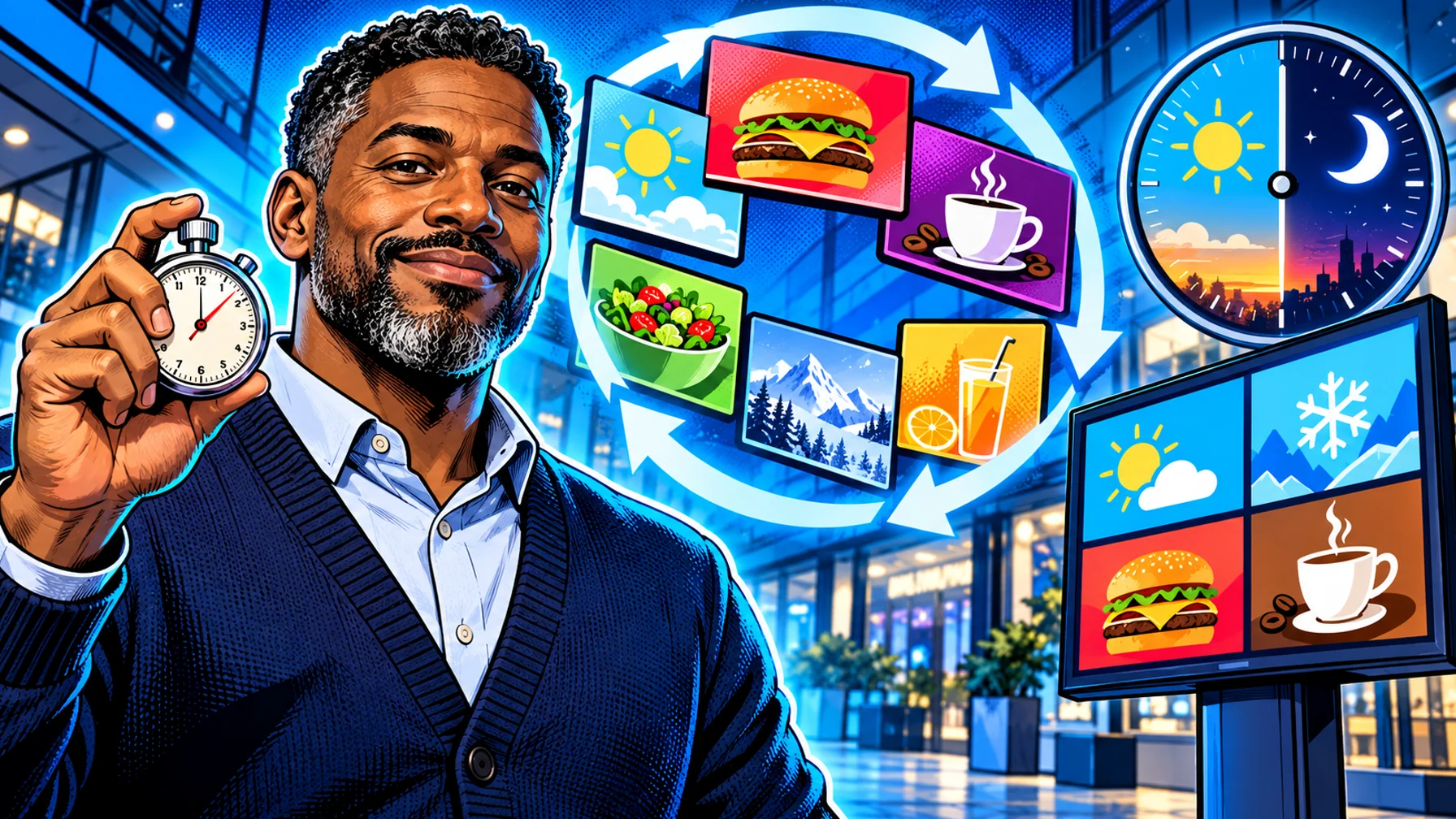
A digital signage playlist is the ordered set of slides and videos a screen plays, and the loop is that playlist repeating. The best practices are simple: keep the loop short enough that people see the whole message while they wait, give each slide enough time to be read, mix a few content types, and schedule different playlists by time of day instead of building one endless loop. Done well, a playlist feels current and readable; done badly, it becomes background noise. This guide covers loop length, slide timing, content mix, scheduling and the maintenance habits that keep screens fresh.
Start with dwell time
Dwell time is how long a person typically looks at or stands near a screen. It is the single most useful number for planning a loop. Someone walking past a shop window gives you a few seconds. A customer in a coffee queue may be there for a couple of minutes. A patient in a waiting room may sit for much longer.
Short dwell time (passing traffic): one message per screen, or a very short loop. Windows and corridors work best with a strong single image and minimal text.
Medium dwell time (queues, counters, lobbies): a loop that completes within the typical wait, so most people see every slide once.
Long dwell time (waiting rooms, break rooms): longer loops with more variety, so people who stay do not see the same slide over and over.
Estimate your own dwell times by watching the space for an hour. It is more reliable than any rule of thumb.
Slide timing
Give each slide enough time to be read by someone who looks up halfway through. A slide with one headline and an image needs less time than a slide with a short paragraph. Test it: stand where your audience stands, read the slide aloud slowly and add a little margin.
Keep text short. If a slide needs a long time to read, it probably has too much text. Split it or cut it.
Keep video short. Short loops of a few seconds catch the eye without holding the screen hostage. Long videos suit places where people sit and watch.
Avoid fast transitions. Rapid changes are hard to read and tiring in calm spaces such as clinics.
Build a balanced content mix
A good loop mixes purposes, so it informs and sells without feeling like a wall of ads.
Core information. Menu, services, opening hours, directions.
Promotions. One or two current offers with clear end dates.
Useful live content. Weather, news, a clock or a dashboard. Pilosign includes live apps like weather, news and dashboards that sit in the same playlist as your own slides.
Brand and people. Team news, reviews you are allowed to show, community events.
A practical rule: lead with what the audience needs, then place promotions between helpful slides rather than in a block.
Schedule playlists instead of growing one loop
The most common mistake is one playlist that keeps growing until it takes ten minutes to loop. Scheduling fixes it. Create short playlists for each part of the day and let them switch automatically: breakfast and lunch in a restaurant, morning and evening messages in a lobby, shift-specific content in a factory.
Pilosign lets you schedule content by time, day and location, so a store in one city can run a local offer while the rest of the network plays the standard loop. Restaurants can see this in practice on the digital menu boards page and in the restaurant digital signage use cases.
One playlist per screen role
Screens in the same location often have different jobs. A menu board, a queue screen and a window display should not share one loop.
Menu boards: mostly static, changed by daypart, with motion used sparingly to highlight one item.
Promotional screens: short loops of offers and brand content.
Information screens: opening hours, directions, wait information and notices.
Staff screens: shift notes, safety reminders and training clips.
Group screens by role and location so each group gets the right playlist. The guide to digital signage software for multi-location teams explains how to organise groups across many sites.
Keep loops fresh without extra work
Expire content automatically. Give every promotion an end date so old offers never linger.
Rotate a few slides each month. Small, regular changes keep regulars noticing the screen.
Use templates. A template turns a new offer into a five-minute job instead of a design project.
Review the loop as a customer. Once a month, watch a full loop on site and remove anything outdated or hard to read.
Example loops by setting
These examples show how the principles combine. Adjust them to your own dwell times.
Quick-service restaurant counter. A static menu board scheduled by daypart, plus a separate promotional screen with a short loop: the limited-time offer, a combo, a short product video and a reminder about the loyalty program. The loop is short enough to finish while a customer waits to order.
Retail entrance. One bold message for the week's main offer, with a second slide for opening hours and a seasonal image. The window screen uses even fewer slides, because passers-by only give it a glance.
Office lobby. A welcome slide, today's meetings and events, a weather and news app, and one company update. Content changes between morning arrivals and the afternoon.
Clinic waiting room. A longer, calmer loop: services, opening hours, seasonal health reminders from your own team, directions and a clock. Slides stay on screen longer and transitions are gentle. See waiting room digital signage for content ideas.
Factory break room. Shift information, safety reminders, recognition and a live dashboard, scheduled to match shift changes.
Organising content so playlists stay manageable
As the number of slides grows, structure matters more than design.
Name content clearly. Include the campaign, location and end date in each item's name so anyone can tell what it is.
Separate evergreen and temporary content. Keep opening hours and brand slides in their own playlists, and add temporary campaigns on top with end dates.
Reuse slides across playlists. Update a slide once and every playlist that uses it shows the change.
Archive old campaigns instead of deleting them, so you can reuse what worked next season.
Measure what you can
Exact measurement of screen impact is hard, so keep it practical. Compare sales of a promoted item during a campaign with a similar period without it, ask staff which questions customers stop asking, and note whether queues feel calmer when wait information is shown. Some platforms can also confirm what actually played and when; ask your vendor whether proof of play is available.
Design rules that make every slide work harder
One message per slide. If a slide says three things, people remember none of them.
Large type and high contrast. Light text on a dark background, or the reverse, with no busy image behind the words.
Consistent layout. Keep the logo, price position and colours in the same place across slides, so viewers know where to look.
Motion with a purpose. Use movement to draw attention to the one item you want to sell, not on every slide.
Safe margins. Keep important content away from the screen edges, where bezels and viewing angles cut it off.
Common playlist mistakes
One endless loop that nobody sees to the end.
Too much text on slides that people glance at for seconds.
The same slides for months, until the screen becomes invisible.
Expired offers still on screen because nobody removed them.
Every screen playing the same loop regardless of its role.
FAQ
How long should a digital signage loop be? Short enough that most people see it completely during their typical wait. Measure dwell time in your space and plan the loop around it.
How long should each slide stay on screen? Long enough to read the slide slowly from where people stand, with a little margin. Simple slides need less time than text-heavy ones.
Should every screen play the same playlist? No. Give each screen role its own playlist and schedule it by time of day and location.
How often should I update content? Promotions follow your campaigns; rotate a few slides at least monthly and review the full loop on site regularly.
Build your first playlist
Start with one screen, a short playlist and two dayparts, then grow from there. Start with free digital signage software, explore the digital signage software platform, or contact us for help planning content.