Digital Signage for Retail: Promotions, Windows and Local Offers
How retailers use digital signage for in-store promotions, window displays and local offers, with scheduling tips and a simple rollout plan.
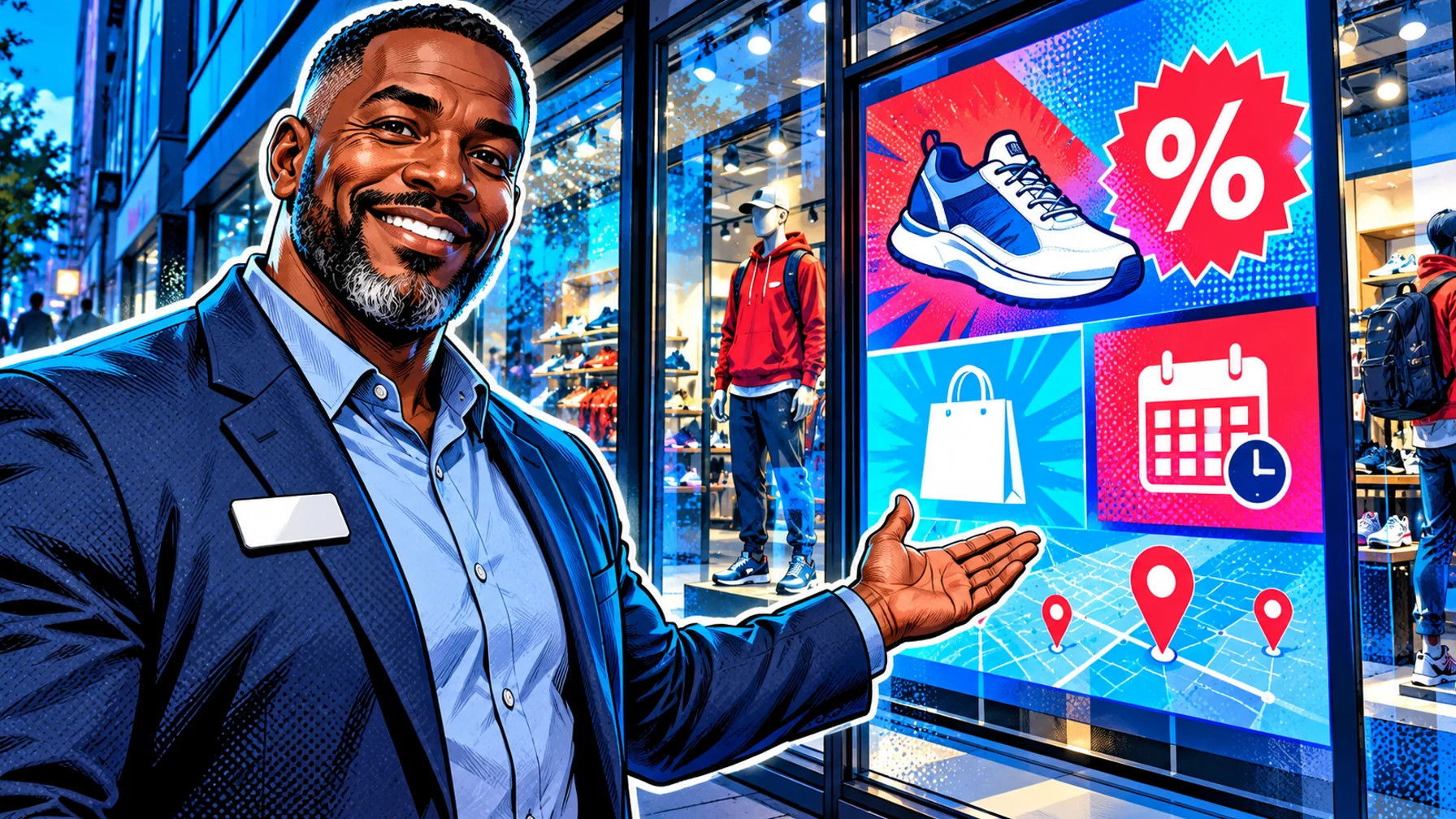
Digital signage for retail puts promotions, new arrivals and local offers on screens in windows, at the entrance, in aisles and at checkout. Compared with printed posters, screens let you change the message by time of day, by store and by campaign, and switch it everywhere at once. This guide covers where screens work best in a store, what to show on them, and how to run promotions across several locations without extra work.
Retail and restaurant signage share the same playbook: clear messages, scheduled by time and location, updated from one place. If you also run food service or a café inside your stores, the complete guide to digital menu boards and restaurant signage covers that side in depth.
Where screens work best in a store
Windows: catch people walking past with one bold message and a strong image. Vertical displays work well here. Entrance: welcome customers and point them to the offer of the week. Aisles and end caps: support a product or category with a short loop. Checkout: last-minute offers, loyalty sign-ups and store services.
Each location has a different job. The window has a few seconds to make someone stop. The entrance sets the tone and points to the main offer. Aisle screens help a shopper who is already looking at a category. Checkout screens reach people who are standing still for a minute, which makes them a good place for services, loyalty programmes and small add-on items. Start with the location that matches your most important goal, rather than putting screens everywhere at once.
What to show
Promotions with clear start and end dates. New arrivals and seasonal collections. Local offers that differ by store or region. Social proof such as reviews or "best seller" highlights. Store information: opening hours, services, click-and-collect.
A useful rule is to match the content to the distance and the time people spend in front of the screen. A window screen seen from across the street needs one product and one message. A checkout screen can carry a little more detail. Live content can also help: Pilosign supports live apps like weather and news next to your own images and video, which keeps a screen fresh without daily edits. A weather-based message, for example rain gear on a wet morning, is easy to plan with scheduling.
Scheduling promotions across stores
Plan campaigns in advance: start and end dates, the stores involved and the screens each message runs on. Scheduling by time of day lets a window show one message in the morning commute and another in the evening. Expiry dates keep old offers off the screens automatically.
A simple campaign calendar helps. List the campaigns for the next few weeks, the stores and screens involved and the dates, then schedule them in one go. With Pilosign you can schedule content by time, day and location, group screens by store or region and update one screen, a group or the whole network at once, so a national campaign and a local event can run side by side.
Local offers without extra work
Use one template per campaign and change only what differs per store: price, product or local event. Head office keeps the brand consistent while store teams adapt the details.
Local relevance is one of the biggest advantages of screens over print. A store near a stadium can promote match-day items, a store near offices can push lunch offers, and a tourist location can feature souvenirs and travel essentials. The trick is to keep the shared design shared, so local versions never drift away from the brand.
Supermarkets and larger formats
Larger stores have more screen locations and more stakeholders, from category managers to suppliers. If you run a grocery or supermarket format, read supermarket digital signage: promotions, pricing and supplier media for the extra planning that format needs.
Content tips for retail screens
One message per screen. Large product images, little text. Motion in the window, calmer loops inside. Refresh often: a window that never changes stops being noticed.
A few more tips: Design for the screen orientation. A vertical window screen needs a different layout than a landscape screen above a counter. Use your real products. Shoppers trust images that match what they find on the shelf. Keep a consistent style. Use templates so every store and campaign looks like the same brand. Plan the off-season. Have evergreen content ready so screens never show an expired offer.
A year of retail campaigns on screen
Screens are most valuable when they follow the retail calendar instead of showing the same loop all year. A simple plan for a year might look like this.
New year and clearance. Sale messages with clear end dates, plus new-season previews to bring people back. Spring. New collections, outdoor and garden ranges, and fresh window designs as footfall picks up. Summer. Travel, holiday and back-to-school themes, with time-of-day messages for longer evenings. Autumn. New arrivals and early gift ideas, plus events in store. Peak season. Gift guides, opening hours, click-and-collect deadlines and last-order dates, updated often as the season moves.
Within each season, weekly and daily changes keep screens fresh: a weekend offer, a weather-based message, a local event. Because the content is scheduled in advance, the store team does not have to remember to change anything. They only need to report if a screen looks wrong.
Working with store teams
Screens work best when store teams trust them. Explain what will appear and when, and give each store a simple way to report a problem, such as a screen that is off or a product that is out of stock. Decide in advance what a store may change locally, for example a local event or a sold-out item, and what stays with head office, such as brand campaigns and prices. Clear roles avoid the two classic problems: screens that nobody updates, and screens that drift away from the brand.
Hardware for retail screens
Window screens are the most demanding. Direct sunlight makes ordinary TVs hard to read, so windows usually need bright commercial displays. Inside the store, ordinary commercial displays are usually fine. Pilosign runs on dedicated players, Android TV and Amazon Fire TV, and a screen is paired by entering the registration code shown on the TV into your dashboard. For help choosing devices, see the digital signage player guide.
A simple rollout plan
Start with the window or entrance screen in one store. Measure what you can (footfall, sales of the promoted item during the campaign), then roll out to more screens and stores. Connect your first screen for free, and see the retail digital signage page for more ideas.
Retail signage checklist
Goal. Decide whether the first screen should attract footfall, support a category or sell at checkout. Location. Pick the screen position that matches that goal. Hardware. Bright enough for the location, with a supported player. Templates. A brand template per campaign type. Calendar. Campaigns with start and end dates for the next few weeks. Local versions. What may change per store, and who changes it. Measurement. One simple sales or footfall comparison per campaign. Owner. One person responsible for keeping screens current.
FAQ
What hardware do I need for a shop window? A bright commercial display suitable for windows, a player and a stable connection. Consumer TVs are often not bright enough for direct sunlight.
Can each store show different offers? Yes. Use one template and vary the details per location.
How often should window content change? At least with every campaign, and ideally by time of day.
Can I manage screens in many stores from one place? Yes. Pilosign shows every screen in one dashboard, so you can group screens by store and update them remotely.
Is digital signage worth it for a single small shop? Often yes, because one screen in the window can be updated as often as you like without printing. Pilosign is free to use, so you can test it with the TV you already have.
Ready to bring your windows to life? Start for free and publish your first promotion today.