
Supermarket Digital Signage: Promotions, Pricing and Supplier Media
How supermarkets use digital signage for weekly promotions, price changes, fresh counters and supplier media, with zones, scheduling tips and a rollout plan.
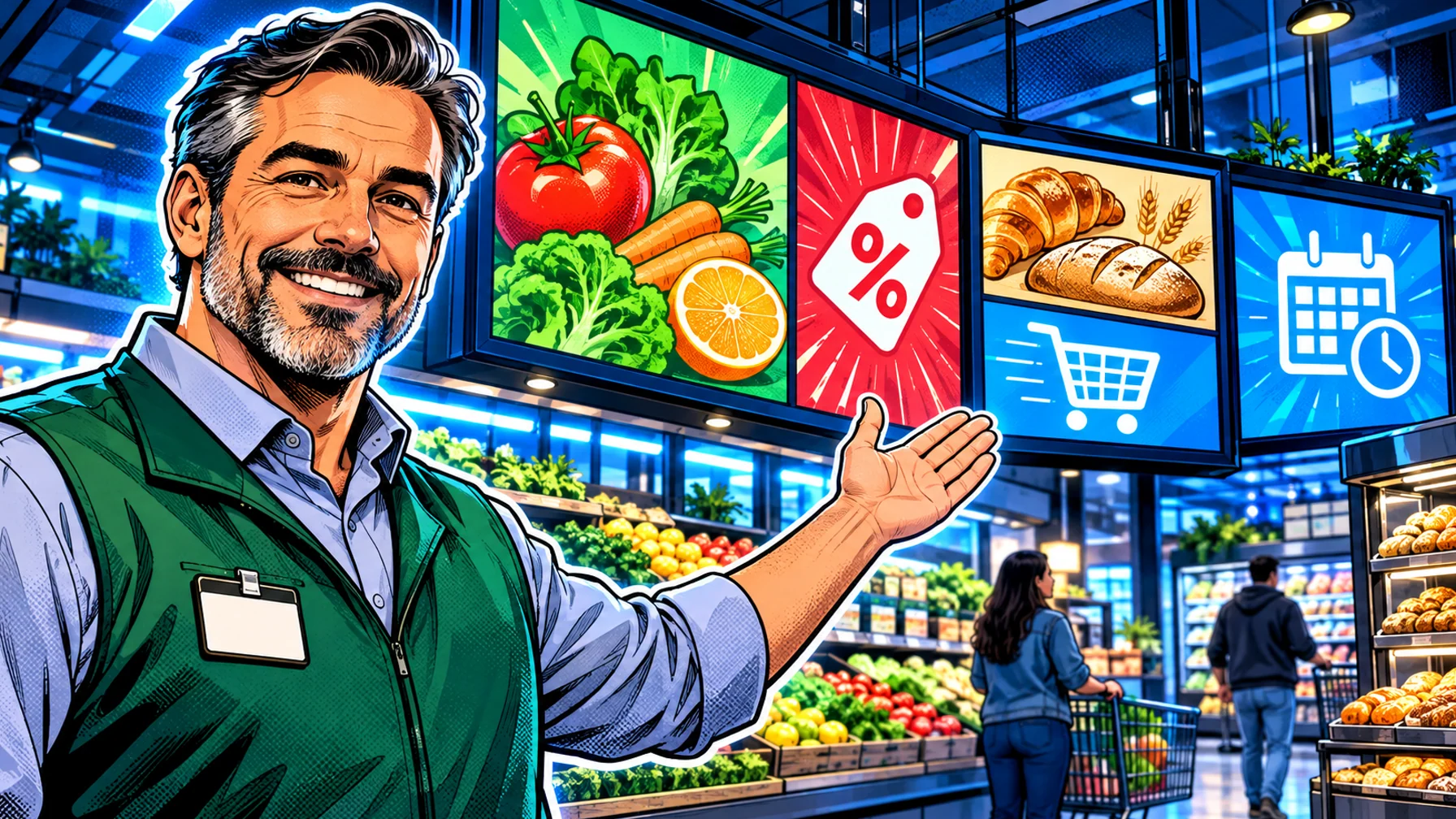
Supermarket digital signage puts weekly promotions, price changes, fresh-counter offers and supplier campaigns on screens at the entrance, in the aisles, at the counters and at checkout. For a grocery store the value is speed and control: a promotion goes live in every store on the same morning, a price changes without reprinting posters, and each store can still show its own local offers. This guide covers where screens work best in a supermarket, what to show in each zone, how to schedule promotions, how supplier media fits in, and a practical plan to roll screens out without overloading store teams.
Why supermarkets move from posters to screens
Grocery is a business of weekly cycles. Promotions start and end on fixed days, prices move with costs, and fresh departments change what they sell through the day. Printed posters struggle with that pace: they have to be designed, printed, shipped, put up and taken down again, and in a busy week some of them inevitably stay up after the offer has ended.
Screens replace that loop with a schedule. Head office prepares the week's campaign once, sets its start and end dates, and every store shows it on time. Store teams stop spending hours on poster changes, and customers stop seeing expired offers. The same screens can also share store information, seasonal ranges and recipes, which printed media rarely has room for.
Speed: a new promotion reaches every store at the same moment.
Accuracy: campaigns end on their date, so old prices and offers disappear on their own.
Local relevance: one template can carry different offers or prices per store or region.
Less store work: teams spend their time on shelves and customers, not on poster changes.
Where screens work best in a supermarket
Not every wall needs a screen. Start with the zones where a message changes behaviour or saves staff time.
Entrance and lobby
The entrance screen sets the agenda for the visit: this week's headline offers, seasonal ranges and store services such as click-and-collect. Keep it to a few strong messages that can be read while walking past.
Aisle ends and promotional displays
End-of-aisle displays are where promotions are decided. A small screen above or beside the display can show the offer, a short product video or a recipe that uses the product. Rotate content slowly; shoppers stop here for seconds, not minutes.
Fresh counters
Bakery, deli, butcher and fish counters change through the day. Screens can show what is fresh now, the day's specials and a short serving suggestion, and switch automatically from morning bakery to evening ready meals. This is where supermarket signage borrows most from restaurants; our guide to digital menu boards covers layouts and dayparts in detail.
Checkout and queues
Checkout screens suit loyalty sign-ups, last-minute offers and store information. If queues are long, a calm loop with useful information makes the wait feel shorter.
Back of house
Staff areas need screens too: shift notes, food-safety reminders, delivery times and training clips reach a team that rarely sits at a computer.
What to show: promotions, pricing and store information
Weekly promotions
Build each weekly campaign once, with clear start and end dates, and schedule it for every store taking part. Use large product images, a short headline and the offer itself; leave detail for the shelf. Scheduling by day matters: a weekend offer should not appear on Thursday.
Price communication
Screens are well suited to promotional prices and price highlights, such as "new lower price" messages on key lines. Every-day shelf prices are usually handled by shelf labels, often electronic shelf labels in larger stores. If you use both, keep them consistent: a screen promising a price the shelf label does not show damages trust quickly. Ask your vendors how screen content and shelf pricing can be kept in sync, and agree who owns price accuracy in each store.
Fresh and seasonal content
Use dayparts for fresh departments: breakfast bakery in the morning, lunch deals at midday, ready meals and dinner ideas in the afternoon. Seasonal ranges, such as holiday baking or barbecue season, can be scheduled weeks in advance.
Store information
Opening hours, holiday times, services, recycling points and local community news all belong on screens, especially at the entrance and checkout.
Supplier media and retail media
Many grocers use in-store screens to run campaigns funded by suppliers, a part of what is often called retail media. A brand pays for, or co-funds, screen time in the stores where its products are sold, and the screens become a new channel between the supplier and the shopper at the moment of purchase.
If you plan to sell screen time to suppliers, think about it before you choose screens and software, because it changes the requirements.
Placement: supplier campaigns work best next to the products they promote, so aisle ends and category screens matter more than the entrance.
Scheduling: each campaign needs exact start and end dates and a defined set of stores and screens.
Separation: keep supplier content clearly distinct from your own offers, and agree rules for what suppliers may show.
Reporting: suppliers will ask what played, where and how often. Look for software with proof of play reporting, and ask any vendor how playback is logged per screen and exported. Without it, you cannot show a supplier that its campaign ran.
Measurement: compare sales of promoted products in stores with and without screens during the campaign, rather than relying on impressions alone.
Treat supplier media as a second phase: first make the screens reliable and useful for your own promotions, then add paid campaigns once the network runs smoothly.
Scheduling across many stores
A supermarket network is a multi-location network, and the hardest part is control. You want head office to own the brand and the national campaign, regional managers to adjust offers, and store teams to change a few local details without breaking anything.
Group screens by store and zone. Name screens by location and position (for example, entrance, bakery, checkout) so a campaign can target "all bakery screens" in one step.
Use one template per campaign. Vary only the details that differ: the offer, the price or the local event.
Schedule ahead. Load next week's campaign before the weekend and let it switch on at opening time on the start day.
Keep a fallback playlist. If a campaign ends without a replacement, screens should fall back to store information, not go blank.
Pilosign is built for this kind of setup: every screen appears in one dashboard, screens are grouped by location, and playlists are scheduled by time, day and location, then updated remotely across every store. For the wider retail picture, see digital signage for retail and the retail digital signage page.
Hardware and reliability in the store
Supermarkets are demanding environments: long opening hours, bright lighting, fridges and freezers near the screens, and Wi-Fi that does not always reach the back of the store.
Displays: use commercial displays rated for long daily use. Bright entrance areas and windows need brighter screens than aisles.
Players: dedicated signage players are the safer choice for screens that run all day; streaming sticks suit lighter uses such as staff rooms. Pilosign runs on dedicated players, Android TV and Amazon Fire TV, and you pair each screen by entering the code it shows. See the digital signage player guide for the trade-offs.
Network: use wired Ethernet for screens that carry promotions, and ask vendors what screens show if the connection drops during the day.
Mounting: keep screens at eye level in aisles and above head height at counters, away from fridge doors and trolley paths.
A rollout plan for grocery chains
Step 1: pilot one store. Install entrance, one aisle end, one fresh counter and checkout screens. Run your normal weekly promotions for a month.
Step 2: measure. Compare sales of promoted products against stores without screens, and record how much time staff save on poster changes.
Step 3: build the templates. Turn what worked into a small set of templates per zone, with locked brand elements and editable offers.
Step 4: roll out by region. Add stores in groups, name screens consistently, and train one person per store.
Step 5: add supplier campaigns. Once the network is stable and reporting is in place, open screen time to suppliers.
FAQ
Can each supermarket show different promotions? Yes. Use one campaign template and vary the offer, price or local event per store or region.
Do screens replace shelf labels? No. Screens are best for promotions, fresh-counter offers and information; shelf labels, printed or electronic, still carry the everyday shelf price.
How do we prove to suppliers that their campaign ran? You need playback reporting per screen. Ask your vendor how proof of play is logged and exported before you sell screen time.
What is the best first screen to install? The entrance or a busy fresh counter: both change often and are seen by almost every shopper.
Get started
Start with one store and a handful of screens, run your weekly promotions on them, and grow from there. Pilosign is free to use: connect your first screen for free, or talk to us about a pilot for your stores.